
Overview


Prerequisites
Prerequisites
Steps
Intro
There are 2 ways to access SAP Build Work Zone, advanced edition:
- From SAP BTP cockpit - for more information, please reference this tutorial: Access SAP Build Work Zone, advanced edition from the SAP BTP Training Subaccount
- From the SAP Build Lobby
In this workshop tutorial mission, you’ll be accessing the SAP Build Work Zone, advanced edition tutorial environment from the SAP Build Lobby. Once you’ve accessed the service, in the next tutorial, you’ll create a workspace in your site and add content to it.
Navigate to the SAP Build Lobby using the URL that you received.
Click Create to see what you can build in SAP Build.

Create Click the Build a Business Site tile.

Build a business site Click the Manage Workpages and Workspaces tile.
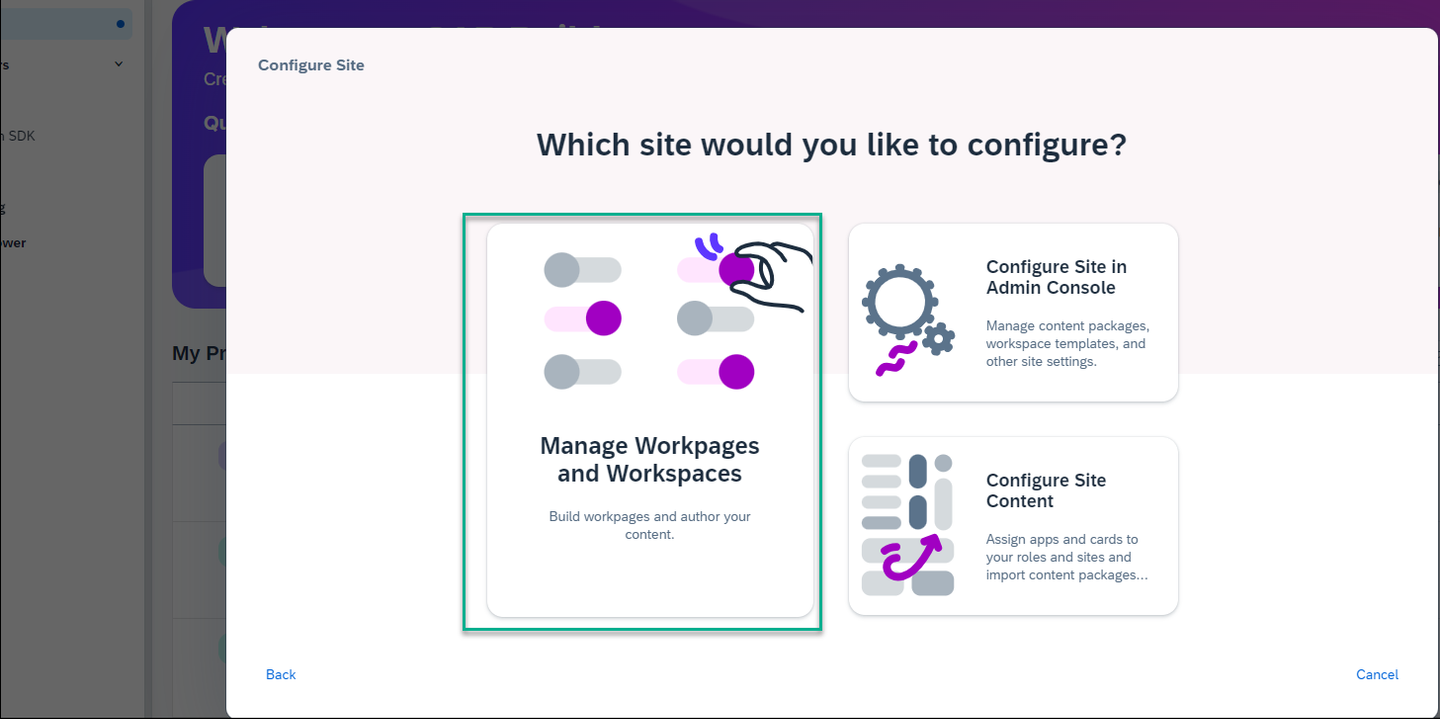
Manage pages and workspaces You’ve accessed SAP Build Work Zone, advanced edition and you can now create a workspace and add content to your pages.
Resources
Discussion
Share feedback on this tutorial or join the conversation in SAP Community.